

Hosting reviews are one of the highest-converting and most lucrative types of affiliate content, but only if you structure your content correctly and provide actual value to your reader. Many reviews read like sales pitches, which can push readers away. Writing hosting reviews that convert takes more than just listing features or dropping in a referral link.
In this affiliate hosting review guide, you’ll learn how to write hosting reviews that build trust and drive more affiliate sales. From clear pricing details to strong calls to action, these hosting review tips for affiliates will help you refine your strategy and get better results from your blog content.
How to structure hosting reviews for readability and results
A clear, consistent structure helps readers quickly understand the value of your recommended web hosting provider. Whether you’re reviewing WordPress.com hosting or a general provider, consider following this simple format:
- Introduction or personal experience — Share a quick story, pain point, or why you chose this host for your own project.
- Overview of the host — What makes them stand out?
- Key features — Focus on performance, support, tools, and ease of use. Stick to the facts so readers can easily compare providers.
- Pricing and plans — Be transparent and clear about what’s included in the price, and what pricing will look like for year two compared to competitors. It’s often very different!
- Pros and cons — Be honest and balanced to build your credibility.
- Who it’s best for — Help readers self-identify why this solution is their perfect choice.
- Call to action — Invite them to take the next step.
Use subheadings, short paragraphs, and visual elements like screenshots or comparison tables to guide your readers and keep them engaged. Following this simple format ensures your content reads like a professional web hosting review guide, helping readers make confident decisions.
Focus on hosting features that matter
When writing hosting reviews, don’t just list features; explain how they impact the real user experience. Readers want to know how the hosting provider performs in practical terms. Is the dashboard easy to navigate? Does the support team respond quickly? What kind of support is actually included? Are there built-in security tools or performance optimizations?
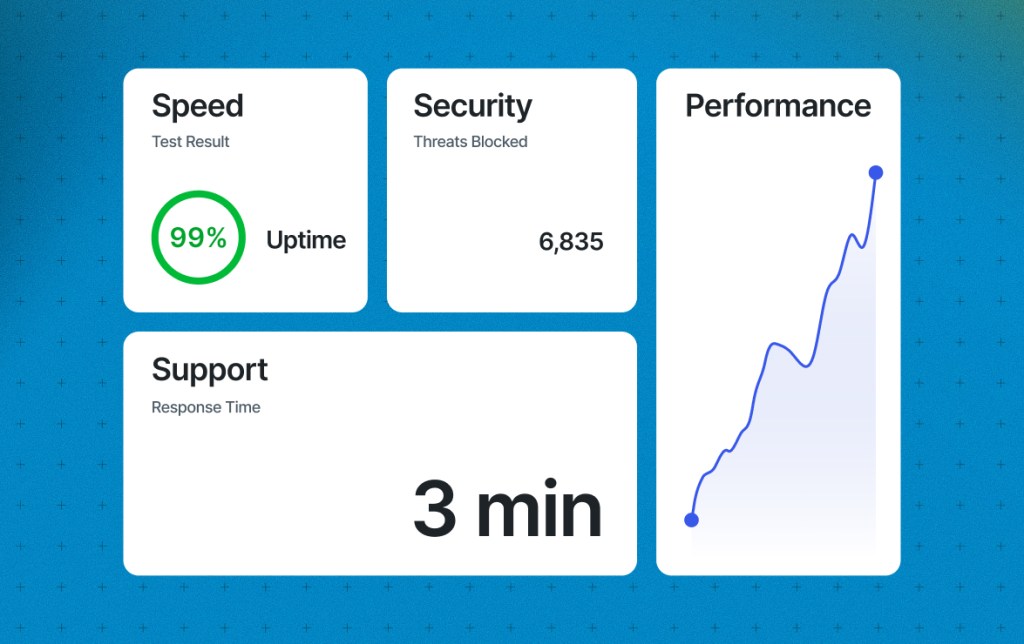
The most effective hosting reviews focus on the features that matter most to a specific audience. For example, a beginner launching their first blog may care about ease of setup and included security, while developers or agencies often prioritize advanced tools and expert support.
“Most Speckyboy readers are developers and designers, so they care most about one-click staging and strong, responsive support. Staging lets them test new builds and update plugins without risking client sites. Support is just as important. They are already tech-savvy, so they look for support staff who know more than they do about WordPress and can quickly resolve any tricky issues.”
Speckyboy
Use real-world examples or describe specific use cases, such as hosting a beginner blog or running a WooCommerce store. For instance, WordPress.com hosting includes unlimited traffic, making it an excellent choice for growing and high-traffic sites compared with other hosting providers with strict traffic limits and overage charges. Providing this kind of context makes your review more helpful and trustworthy.
Share transparent hosting pricing in your reviews
Pricing is one of the first things your audience will look for in a hosting review, so it’s important to share transparent hosting pricing details that help readers make informed decisions. Share both the introductory and renewal pricing, and explain what’s included in each plan. If there are additional hidden fees or increased costs for things like backups, domain privacy, increases in traffic, or site migrations, point those out too.
It’s also worth addressing common myths about $3-per-month hosting. While the low entry price can be tempting, it often only applies to the first billing cycle, requires a multi-year commitment, or lacks essential features that users may need to pay extra for later.
If you want to dig deeper into what those low rates really mean, check out our article: Transparent web hosting pricing: why honesty converts better. This is a helpful resource you can link to in your review for added transparency and trust.
If you’ve used the host yourself, share your perspective on whether the value matches the cost. You can also help readers compare options by describing how this host stacks up against others you’ve tried.
Build trust through honest insights
A hosting review that feels one-sided or overly promotional can make readers skeptical. Don’t be afraid to include both strengths and weaknesses. If the host isn’t a good fit for advanced users or lacks a certain feature, say so. This kind of honesty builds credibility and makes your review more useful.

Adding visuals such as screenshots, performance test results, or a peek inside the dashboard can also help establish trust. These elements show that you’ve done your research and that your recommendation is based on real experience. When your readers can see proof and transparency, those honest details lead to hosting reviews that convert.
Help readers choose the right hosting plan for their needs
One of the most important parts of a strong hosting review is helping readers understand whether a plan is right for them. Rather than positioning a host as a one-size-fits-all solution, narrow your focus to the audiences it serves best.
- Beginners may value ease of setup, guided onboarding, and built-in security.
- Freelancers and small businesses often look for reliability, support, and fewer add-ons.
- Developers typically prioritize flexibility, staging environments, and advanced tools.
Describe these real-world needs and explain how the hosting plan addresses them. When readers can quickly identify where they fit, they’re more likely to trust your recommendation and take action.

Write CTAs that guide the reader
Even the best hosting review won’t convert without a clear, trustworthy call to action. Your CTA should feel like a natural next step, not an afterthought. Instead of saying “click here,” choose phrasing that matches the tone and intent of your review. For example, “Get started with WordPress.com” or “Compare plans now” feels more specific and helpful.
Include your CTA more than once, such as at the beginning, after key sections, and at the end, so readers can take action when they’re ready. Experiment with placement and formatting to see what performs best with your audience. Also, remember that the FTC requires clear disclosure for all affiliate links, regardless of the merchant or brand.
Final thoughts
Affiliate reviews are one of the most effective ways to grow your income through content. When you take the time to structure your posts well, focus on the right features, clearly explain pricing, and include helpful calls to action, you make it easier to create hosting reviews that convert and inspire readers to trust your recommendation. By following these steps, you’ll be implementing some of the best web hosting affiliate marketing strategies that top-performing affiliates use today.
 Automattic Affiliate Program - Knowledge Base