

Hosting reviews can help readers choose the right provider, but only when they’re clear, useful, and trustworthy. Many reviews read like feature lists or sales pitches, which can make readers skeptical. A stronger review helps readers understand what a host offers, who it’s best for, what it costs, and what step to take next.
Use this article as a practical framework for improving a hosting review before you publish or update it. You’ll walk through the core elements that make a review more helpful: structure, relevant features, transparent pricing, honest insights, audience fit, and clear calls to action. For a deeper strategy, read our full guide on how to write hosting reviews that convert for affiliates.
Key takeaways
A hosting review is most useful when it helps readers compare options and choose with confidence. Before publishing or updating a review, make sure it includes:
- A clear structure readers can scan quickly.
- Hosting features explained through real benefits.
- Transparent pricing, including renewal costs and possible add-ons.
- Honest pros and cons that build trust.
- Guidance on who the hosting plan is best for.
- Clear calls to action that help readers take the next step.
What every useful hosting review should answer
Before publishing or updating a hosting review, make sure it answers the questions readers are already asking:
- What does this hosting provider offer?
- Who is it best for?
- Which features matter most for that audience?
- What does it cost now and at renewal?
- What are the honest pros and cons?
- What should the reader do next?
If your review answers these questions clearly, it’s more likely to help readers compare options, trust your recommendation, and take action.
Start with a clear hosting review structure
A clear, consistent structure helps readers quickly understand the value of your recommended web hosting provider. Whether you’re reviewing WordPress.com hosting or a general provider, consider following this simple format:
- Introduction or personal experience — Share a quick story, pain point, or why you chose this host for your own project.
- Overview of the host — What makes them stand out?
- Key features — Focus on performance, support, tools, and ease of use. Stick to the facts so readers can easily compare providers.
- Pricing and plans — Be transparent and clear about what’s included in the price, and what pricing will look like for year two compared to competitors. It’s often very different!
- Pros and cons — Be honest and balanced to build your credibility.
- Who it’s best for — Help readers self-identify why this solution is their perfect choice.
- Call to action — Invite them to take the next step.
Use subheadings, short paragraphs, and visual elements like screenshots or comparison tables to guide your readers and keep them engaged. Following this simple format ensures your content reads like a professional web hosting review guide, helping readers make confident decisions.
Focus on the hosting features readers actually compare
When writing hosting reviews, don’t just list features; explain how they impact the real user experience. Readers want to know how the hosting provider performs in practical terms. Is the dashboard easy to navigate? Does the support team respond quickly? What kind of support is actually included? Are there built-in security tools or performance optimizations?
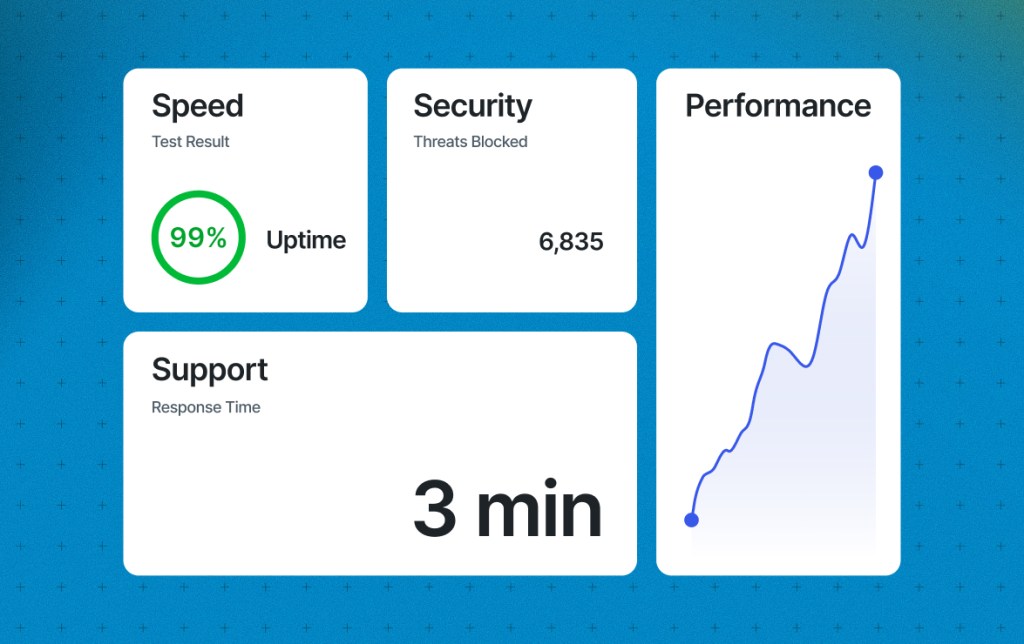
The most effective hosting reviews focus on the features that matter most to a specific audience. For example, a beginner launching their first blog may care about ease of setup and included security, while developers or agencies often prioritize advanced tools and expert support.
As Paul Andrew, Editor at Speckyboy, explains:
“Most Speckyboy readers are developers and designers, so they care most about one-click staging and strong, responsive support. Staging lets them test new builds and update plugins without risking client sites. Support is just as important. They are already tech-savvy, so they look for support staff who know more than they do about WordPress and can quickly resolve any tricky issues.”
Use real-world examples or describe specific use cases, such as hosting a beginner blog or running a WooCommerce store. For instance, WordPress.com hosting includes unlimited traffic, making it an excellent choice for growing and high-traffic sites compared with other hosting providers with strict traffic limits and overage charges. Providing this kind of context makes your review more helpful and trustworthy.
Explain the real cost of hosting
Pricing is one of the first things your audience will look for in a hosting review, so it’s important to share transparent hosting pricing details that help readers make informed decisions. Share both the introductory and renewal pricing, and explain what’s included in each plan. If there are additional hidden fees or increased costs for things like backups, domain privacy, increases in traffic, or site migrations, point those out too.
It’s also worth addressing common myths about $3-per-month hosting. While the low entry price can be tempting, it often only applies to the first billing cycle, requires a multi-year commitment, or lacks essential features that users may need to pay extra for later.
If you want to dig deeper into what those low rates really mean, check out our article: Transparent web hosting pricing: why honesty converts better. This is a helpful resource you can link to in your review for added transparency and trust.
If you’ve used the host yourself, share your perspective on whether the value matches the cost. You can also help readers compare options by describing how this host stacks up against others you’ve tried.
Build trust with specific, honest details
A hosting review that feels one-sided or overly promotional can make readers skeptical. Don’t be afraid to include both strengths and weaknesses. If the host isn’t a good fit for advanced users or lacks a certain feature, say so. This kind of honesty builds credibility and makes your review more useful.

Adding visuals such as screenshots, performance test results, or a peek inside the dashboard can also help establish trust. These elements show that you’ve done your research and that your recommendation is based on real experience. When your readers can see proof and transparency, those honest details lead to hosting reviews that convert.
Help readers decide if the plan fits their needs
One of the most important parts of a strong hosting review is helping readers understand whether a plan is right for them. Rather than positioning a host as a one-size-fits-all solution, narrow your focus to the audiences it serves best.
- Beginners may value ease of setup, guided onboarding, and built-in security.
- Freelancers and small businesses often look for reliability, support, and fewer add-ons.
- Developers typically prioritize flexibility, staging environments, and advanced tools.
Describe these real-world needs and explain how the hosting plan addresses them. When readers can quickly identify where they fit, they’re more likely to trust your recommendation and take action.

Use CTAs that guide the next step
Even the best hosting review won’t convert without a clear, trustworthy call to action. Your CTA should feel like a natural next step, not an afterthought. Instead of saying “click here,” choose phrasing that matches the tone and intent of your review. For example, “Get started with WordPress.com” or “Compare plans now” feels more specific and helpful.
Include your CTA more than once, such as at the beginning, after key sections, and at the end, so readers can take action when they’re ready. Experiment with placement and formatting to see what performs best with your audience. Also, remember that the FTC requires clear disclosure for all affiliate links, regardless of the merchant or brand.
Final thoughts
Affiliate reviews are one of the most effective ways to grow your income through content. When you take the time to structure your posts well, focus on the right features, clearly explain pricing, and include helpful calls to action, you make it easier to create hosting reviews that convert and inspire readers to trust your recommendation. By following these steps, you’ll be implementing some of the best web hosting affiliate marketing strategies that top-performing affiliates use today.
Frequently asked questions about hosting reviews
How can I improve an existing hosting review without rewriting it?
You can improve an existing hosting review by making the structure easier to scan, clarifying who the host is best for, adding current pricing details, tightening your pros and cons, and making the next step clearer. Small updates can make a review more useful without changing the entire article.
What should I update first in an older hosting review?
Start with the details most likely to affect a reader’s decision: pricing, renewal costs, included features, support options, performance claims, screenshots, and calls to action. If any of those are outdated or unclear, updating them can quickly make the review more helpful.
How do I make a hosting review easier for readers to compare?
Use consistent sections for pricing, features, pros and cons, best-fit users, and next steps. When each review follows a similar structure, readers can compare hosting options more quickly and understand which provider fits their needs.
How often should I update hosting reviews?
Review hosting content at least a few times a year, especially if pricing, plan features, support options, or product positioning changes. You should also update a review when readers ask new questions or when your affiliate data shows that people are clicking but not converting.
 Automattic Affiliate Program - Knowledge Base